




Challenge 1
Level 1 · Project 2SDG 13 · Climate action
Weather station
The classroom is too hot. Daniel builds a fan that turns on by itself when the temperature goes up.
1 · Introduction
Weather station
The classroom is too hot. Daniel builds a fan that turns on by itself when the temperature goes up.
Book pages: 31–42 · Device: Smart fan
2 · Computational thinking · Animations
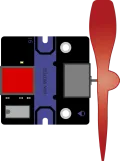
Running fan
Open the project in Animations, see how it works and complete it following the book.
3 · Build it
Smart fan
Build the device (smart fan) following the assembly sequence. Before you program it, test each component with its test program.
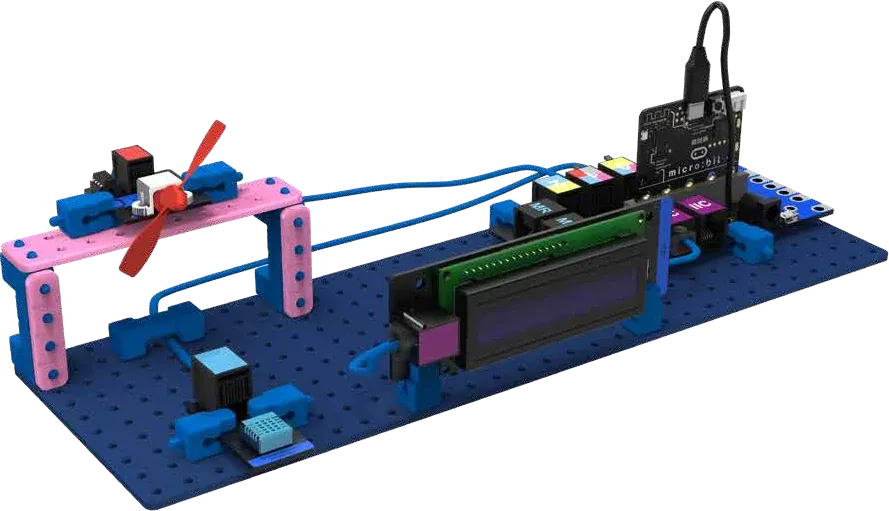 Assembly sequence · PDF
Project components
4 · Code it · Maker
Code it
Program the device in Maker. Each challenge has an example to open and analyze before you start.
Challenge 2
Activate the fan
5 · Play it
Play it
Upload the program to the board and play with your smart fan. Then do the self-assessment in the book (pages 31 to 42).