


Challenge 1
Level 1 · Project 3SDG 9 · Industry, innovation and infrastructure
Smart parking
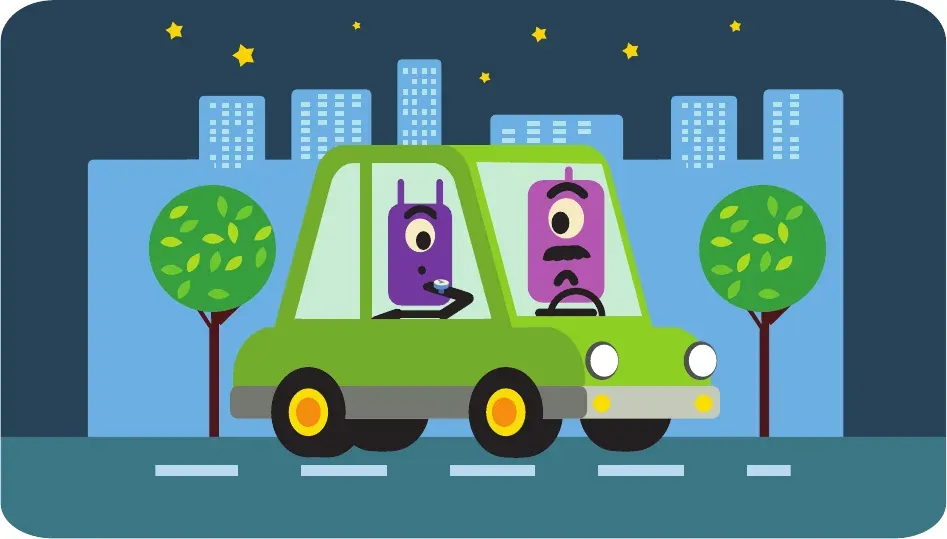
Cloe's family can't find a place to park near the stadium. She designs a system that shows which spaces are free.
1 · Introduction
Smart parking
Cloe's family can't find a place to park near the stadium. She designs a system that shows which spaces are free.
Book pages: 43–54 · Device: Smart parking
2 · Computational thinking · Animations
Available spaces
Open the project in Animations, see how it works and complete it following the book.
3 · Build it
Smart parking
Build the device (smart parking) following the assembly sequence. Before you program it, test each component with its test program.
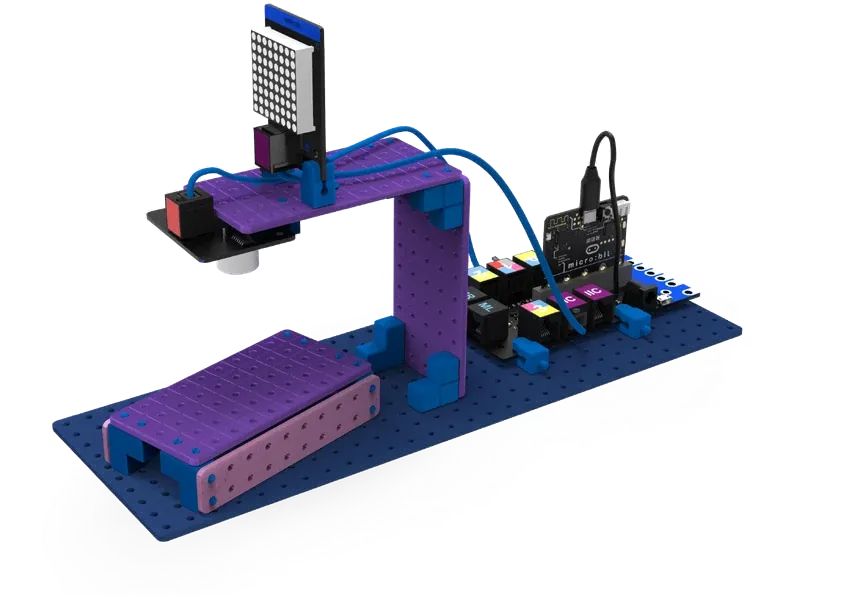 Assembly sequence · PDF
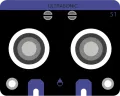
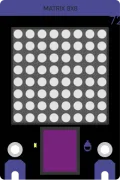
Project components
4 · Code it · Maker
Code it
Program the device in Maker. Each challenge has an example to open and analyze before you start.
Challenge 2
Free and occupied spaces
5 · Play it
Play it
Upload the program to the board and play with your smart parking. Then do the self-assessment in the book (pages 43 to 54).