



Challenge 1
Level 1 · Project 4SDG 7 · Affordable and clean energy
Energy saving
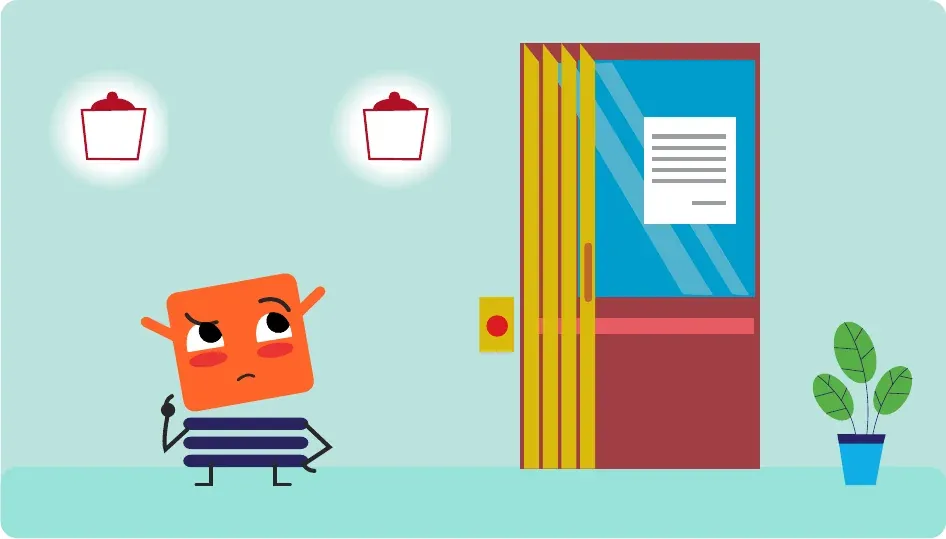
The lights in Ubaldo's building stay on when nobody needs them. He builds lighting that adapts to the light around it.
1 · Introduction
Energy saving
The lights in Ubaldo's building stay on when nobody needs them. He builds lighting that adapts to the light around it.
Book pages: 55–68 · Device: Automatic lighting
2 · Computational thinking · Animations
Intelligent lighting
Open the project in Animations, see how it works and complete it following the book.
3 · Build it
Automatic lighting
Build the device (automatic lighting) following the assembly sequence. Before you program it, test each component with its test program.
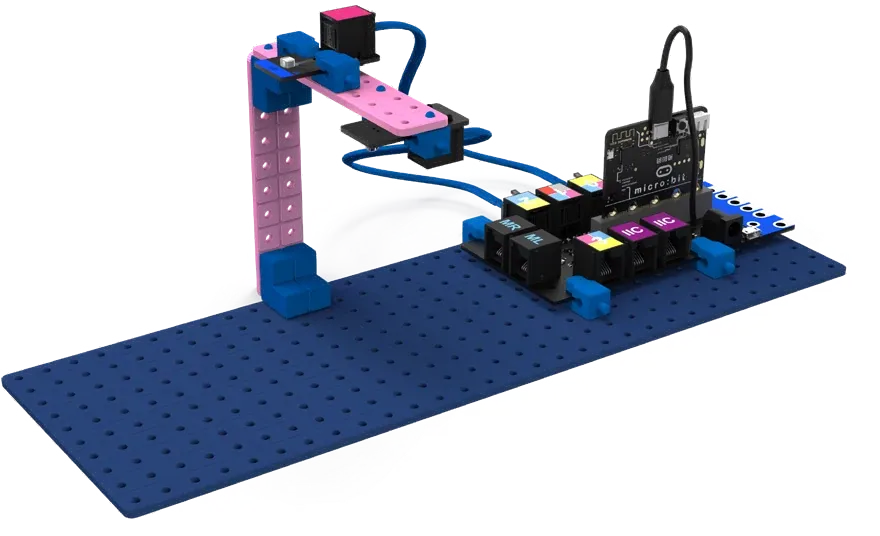 Assembly sequence · PDF
Project components
4 · Code it · Maker
Code it
Program the device in Maker. Each challenge has an example to open and analyze before you start.
Challenge 2
Adjusting the light intensity
5 · Play it
Play it
Upload the program to the board and play with your automatic lighting. Then do the self-assessment in the book (pages 55 to 68).